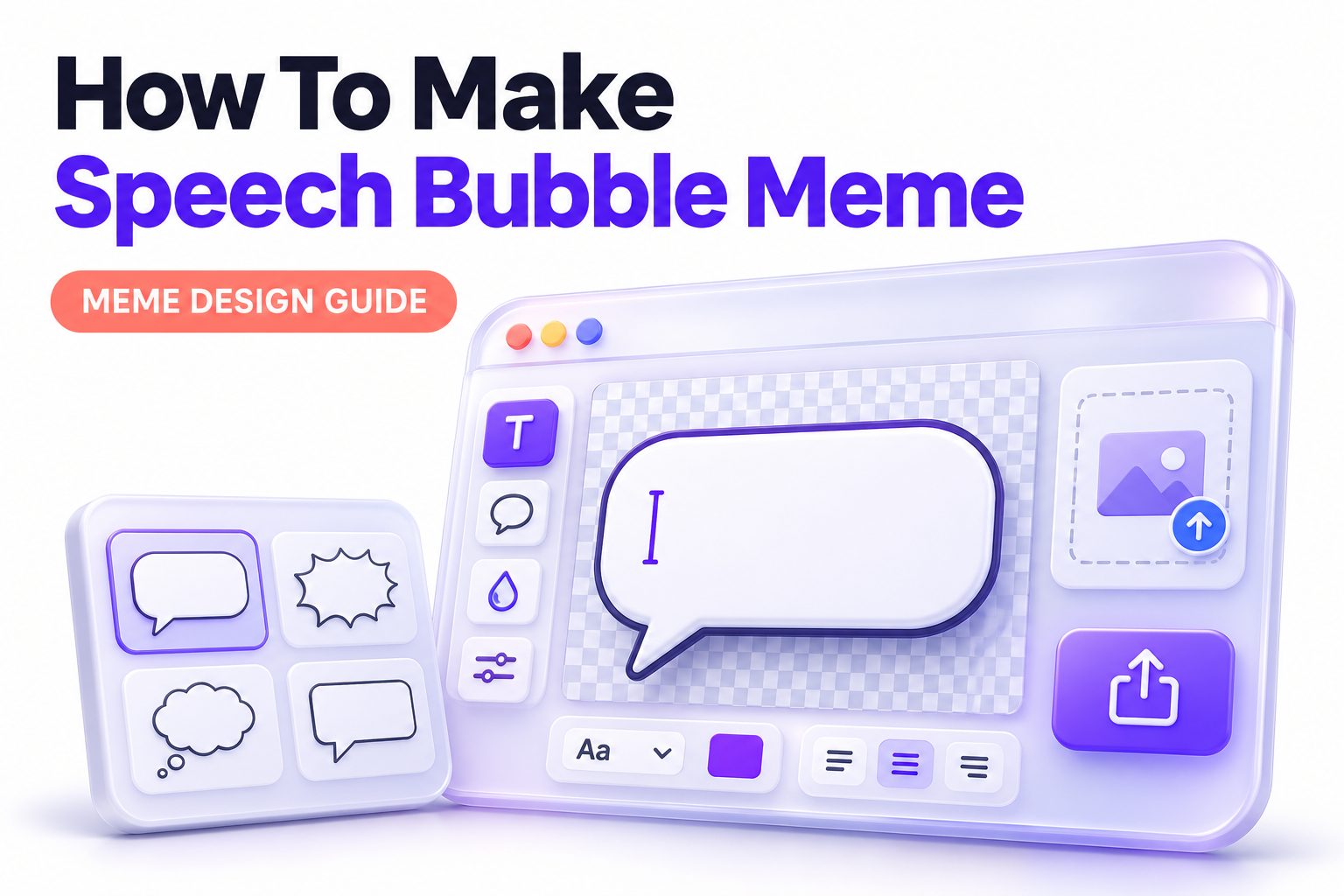
A speech bubble meme turns an ordinary image into a quick joke, reaction, or mini conversation. The format works because people instantly know where to look: first at the face or subject, then at the words floating beside it. You do not need design experience or expensive software to make one. A phone, a meme generator, or a basic editor is enough.
The key is choosing an image with a clear emotion, placing the bubble where it does not hide the important visual detail, and writing a line that sounds like something the subject could actually say. This article explains how to make speech bubble meme images from start to finish, including the best tools, bubble styles, text choices, export settings, and common fixes. You will also see ways to adapt the format for Instagram, TikTok, group chats, and work-friendly humor.
What Makes a Speech Bubble Meme Work
A speech bubble meme combines a recognizable visual reaction with a short written thought, quote, or exchange. Unlike a caption-only meme, the text appears to come directly from a person, animal, character, or object in the picture. That small visual cue makes the joke feel more immediate.
The strongest examples are easy to read in a second or two. The image should communicate a feeling before anyone reads the text, while the bubble adds a surprising or relatable angle. A confused cat paired with a confident statement, for example, creates a natural contrast.
Pick an Image With a Clear Expression
Start with an image that has an obvious focal point. Faces are popular because viewers quickly read emotions such as surprise, frustration, suspicion, excitement, or disbelief. Pets, cartoons, movie stills, and candid photos also work well when their body language is clear.
Leave room around the subject whenever possible. A close-up image can still work, but it may force you to shrink the bubble or cover an important feature. Images with open space above the head, beside the face, or near an outstretched hand make layout much easier.
Useful image traits include:
- A single clear subject or a small group
- A recognizable emotion or reaction
- Enough empty background for a bubble
- Good lighting and sharp details
- A pose that suggests someone is speaking or thinking
- A visual setup that supports a short joke
Choose the Right Type of Bubble
The bubble style should match the voice of the meme. A standard rounded speech bubble fits ordinary dialogue, while a cloud-like thought bubble suggests an internal reaction. Comic-book bursts can work for shouting, shock, or exaggerated excitement, but they are less suitable for dry humor.
The tail matters as much as the bubble itself. Point it toward the character who is “speaking,” without aiming it at the eye, mouth, or a distracting background object. When there are two subjects, use separate bubbles and make each tail unmistakable.
Standard Speech Bubbles
Rounded white bubbles with a thin black outline are the safest choice. They are readable on most backgrounds and familiar to almost everyone. Use these when the meme is meant to look like a simple conversation or an overheard comment.
A standard bubble is especially effective for reaction images, workplace jokes, and social posts where the message should be understood quickly. Keep the tail short and place the bubble close enough to the speaker that the connection is obvious.
Thought Bubbles
Thought bubbles work best for private reactions, internal monologues, and sarcastic observations. They usually have a cloud shape and a trail of smaller circles leading toward the subject. The visual language tells readers that the subject is thinking rather than talking aloud.
Use a thought bubble when the humor depends on the gap between what someone thinks and what they would realistically say. It is also a good option for animals, statues, objects, and screenshots where spoken dialogue would feel less believable.
Select a Meme Maker or Editing App
You can make a speech bubble meme in a browser-based meme generator, a mobile design app, or a full image editor. The best option depends on how much control you need. For a fast joke, a simple generator is usually enough; for brand content, use an editor that allows custom fonts and reusable templates.
Look for an app that lets you upload your own image, add speech-bubble stickers or shapes, control font size, adjust layers, and export without reducing quality too much. Most modern social editing apps offer these basics.
A simple workflow looks like this:
1. Upload or open your image.
2. Crop it for the platform where you will share it.
3. Add a speech bubble sticker, shape, or PNG overlay.
4. Position the bubble in open space near the speaker.
5. Add text and resize it until it is readable on a phone.
6. Adjust the tail so it points to the correct subject.
7. Export the finished meme as a PNG or high-quality JPG.
For more control over visuals, a [Internal Link: beginner image editing guide] can help you learn useful basics such as layering, cropping, and text contrast.
Write Text That Sounds Natural
The best meme text is short, specific, and conversational. A bubble should feel like a real sentence, not a headline pasted onto an image. Read it aloud before you publish. If it sounds stiff when spoken, simplify it.
Avoid explaining the image too much. The image already provides context, so the text should add the twist. Instead of writing, “I am tired because I have had too much work today,” use a sharper line such as, “One more meeting and I become a spreadsheet.”
Keep the Line Brief
Aim for one sentence or a short two-line exchange. Long paragraphs inside a bubble make people work too hard to get the joke, especially on mobile. If your idea needs extra context, use a caption in the post rather than cramming it into the meme.
Short text also gives you more room to use a larger font. That matters when your meme is viewed in a small feed preview, forwarded in a chat, or compressed by a social platform.
Match the Subject’s Expression
A deadpan face works well with dry, matter-of-fact humor. A wide-eyed expression pairs naturally with panic, disbelief, or sudden realization. A sleeping pet can “say” something lazy, while a confident character can deliver an over-the-top claim.
For example, a picture of someone staring at an empty coffee mug could use: “I have made a critical miscalculation.” A dog looking guilty near a torn cushion could say: “The couch did that to itself.” The image and text should strengthen each other.
Make the Text Easy to Read
Readability matters more than decorative fonts. Use a clean sans-serif font, black text on a white bubble, and enough padding around the words. Comic-style fonts can fit the format, but avoid overly ornate choices that are hard to read at a glance.
Use sentence case unless all caps are part of the joke. All caps can signal shouting or panic, but a whole meme in uppercase can feel noisy. Break text across lines at natural points rather than leaving a single long line stretched across the bubble.
Before exporting, check these practical details:
- Text is readable at phone-screen size
- No word sits too close to the bubble edge
- The tail points to the intended speaker
- The bubble does not block a face or key object
- Font weight is strong enough against the background
- Spelling and punctuation support the intended tone
- The joke still makes sense without a long caption
Position the Bubble Without Hiding the Joke
Place the bubble in unused visual space first. The upper left and upper right corners often work, but the best location depends on where the subject is looking and where the background is least busy. A bubble placed near the speaker usually feels more intentional than one floating far away.
Keep the subject’s eyes visible whenever possible. Eyes carry most of the emotional reaction in a meme, so covering them weakens the image. If the composition is crowded, expand the canvas, add a solid border area, or place the bubble partly outside the original photo.
Create Conversations With Multiple Bubbles
Two-bubble memes can be funnier than single-bubble memes when the image includes two people, animals, or characters. They let you create a quick setup and punchline without relying on a long post caption. The exchange should still be brief enough to scan smoothly.
Use different bubble positions and clear tails to avoid confusion. If you need more than two or three lines of dialogue, consider a comic panel instead. A meme should feel quick, while a longer conversation benefits from a format designed for sequential reading.
| Meme setup | Best bubble approach | Example use |
|—|—|—|
| One expressive face | One large bubble beside the head | A personal reaction |
| Two people facing each other | Two separate bubbles with clear tails | A short exchange |
| Pet or object | Thought bubble or simple speech bubble | An imagined inner voice |
| Group photo | One bubble per key speaker | A relatable team joke |
| Screenshot or TV still | Small, well-spaced bubbles | A parody conversation |
Use a Template for Consistent Posts
Templates save time when you publish memes regularly for a brand, community, or creator account. Set up a canvas size, one or two approved fonts, a few bubble styles, and standard spacing. You can then swap images and rewrite the line without rebuilding the design each time.
Consistency does not mean every meme should look identical. Keep the basic visual system stable, but vary image choice, bubble placement, and tone. A repeated structure helps followers recognize your content while the joke keeps each post fresh.
For social content that uses humor as part of a broader posting strategy, [Internal Link: social media content ideas] can help you connect meme formats with useful, timely topics.
Adapt the Meme for Different Platforms
A meme that looks good in a group chat may be too small for an Instagram feed or too wide for a vertical story. Decide where it will be shared before you crop the image. This prevents the bubble from being cut off or the text from becoming unreadably small.
Square images are versatile for feeds and messaging apps. Vertical 4:5 images give you more screen space on many social platforms, while 9:16 works for Stories, Reels, and short-form video overlays. For an animated post, use the same bubble principles but leave time for viewers to read.
Instagram and Facebook Posts
Use a square or vertical layout with larger text than you think you need. Many people will see the meme in a feed while scrolling quickly, so it should be readable without zooming. Keep important details away from the outer edges, where platform previews may crop them.
A short caption can add context or invite comments, but the meme should stand on its own. If viewers need to read a long caption to understand the bubble, the visual is doing too little work.
Stories, Reels, and TikTok
For vertical formats, place text in the central safe area. Interface buttons, captions, usernames, and controls can cover content near the top and bottom. If the bubble appears only briefly in a video, give viewers enough time to read it before moving to the next frame.
Animations can make the bubble pop in or bounce slightly, but restraint works best. The joke should remain the focus. Fast effects, loud stickers, and multiple moving elements can make a simple meme harder to process.
Messaging Apps and Work Chats
In group chats, simpler is better. People usually see the image in a smaller preview, and compression can soften tiny text. Use a clear bubble, dark lettering, and a short line. Consider your audience before sharing workplace humor, especially if a joke could be read as criticism.
A work-friendly speech bubble meme often pokes fun at common situations rather than individuals. Deadlines, calendar invites, printers, coffee, and video-call mishaps are safer subjects than a colleague’s appearance or performance.
Avoid Common Speech Bubble Meme Mistakes
Most weak speech bubble memes fail because of clutter, not because the idea is bad. A funny line loses impact when the text is too small, the bubble blocks the expression, or readers cannot tell who is supposed to be speaking.
Another common problem is over-editing. Heavy filters, too many stickers, several fonts, and multiple punchlines compete for attention. Start with the cleanest possible version, then add visual flair only if it supports the joke.
Common mistakes and better fixes:
- Bubble covers the face: Move it into blank space or extend the canvas.
- Text is too long: Cut background details and keep the strongest phrase.
- Tail points vaguely: Rotate or redraw it so the speaker is obvious.
- Font feels wrong: Switch to a simple, legible font.
- Background is too busy: Use a solid white bubble with a stronger outline.
- The joke needs explanation: Rewrite it around a more recognizable situation.
- Image quality looks blurry: Export at a larger size and avoid repeated reuploads.
Respect Copyright, Privacy, and Context
For casual personal sharing, people often use screenshots, reaction photos, and popular images. Public posting for commercial purposes carries more risk, especially when you use copyrighted characters, professional photography, or a person’s identifiable image without permission. When in doubt, use your own photos, licensed stock images, or assets you have permission to adapt.
Context matters too. A harmless joke can feel rude if it puts words into someone’s mouth during a serious event or targets a private individual. Avoid using photos of children, coworkers, or strangers in a way that could embarrass them. Good meme-making includes knowing when not to make the joke.
Improve a Meme Before You Publish
Take one final look at the meme on the device where it is most likely to be viewed. Shrink it to thumbnail size, then ask whether you can still identify the subject, read the text, and understand the punchline. If not, simplify the layout.
It also helps to ask one person to look at it without explanation. If they understand who is speaking and why the line is funny, the structure is working. If they hesitate, adjust the bubble placement or sharpen the wording rather than adding more text.
Conclusion
A good speech bubble meme is built from a simple combination: an expressive image, a bubble placed with intention, and a short line that adds a believable voice. Start by selecting a photo with clear emotion and enough empty space. Then use a readable bubble style, point the tail clearly, and keep the message compact enough for a phone screen.
The details make the difference. Text should support the visual rather than explain it, and the bubble should never hide the facial expression or other part of the image that sells the joke. Match the format to the platform, check for readability after exporting, and keep audience context in mind before sharing.
Once you know how to make speech bubble meme designs, you can turn reaction photos, pet pictures, screenshots, and everyday moments into quick visual jokes. Begin with one clean idea, edit it until it reads instantly, and let the image do half the storytelling.
Frequently Asked Questions
What app can make speech bubble memes?
Most meme generators and mobile design apps can make them. Choose one that lets you upload an image, add shapes or stickers, edit text, move layers, and export a clear image without placing an unwanted watermark.
Can I make a speech bubble meme on my phone?
Yes. Mobile apps are often the fastest option because they include bubble stickers, text controls, and image cropping in one place. Use a large font and preview the finished image at normal phone-screen size.
What font works best for meme bubbles?
A bold, clean sans-serif font usually works best. It remains readable after compression and suits most bubble styles. Comic-style fonts can work, but avoid decorative typefaces that make short jokes difficult to scan quickly.
How much text should a bubble contain?
Keep it to one short sentence or two brief lines whenever possible. The viewer should read it almost instantly. If your idea needs several sentences, use a caption, carousel, or comic format instead.
Can I use speech bubbles on any image?
Technically yes, but clear images work better. Choose photos with an obvious subject, visible expression, and some empty space. Avoid using private or copyrighted images publicly unless you have permission or an appropriate license.